DataTrace Import Application
External probes (DataTrace) are used to capture data independently from the AccuSOLO control system. The DataTrace probes are an extra set of measuring tools placed inside the load. The DataTrace import application allows importing of DataTrace data into the AccuSOLO database.
Importing Data
The application allows importing of DataTracer data from a *.csv file into the AccuSOLO database:
-
Import data from up to 30 temperature devices.
-
Import data from up to 30 %RH devices.
-
Import and associate with a specific process run (load ID).
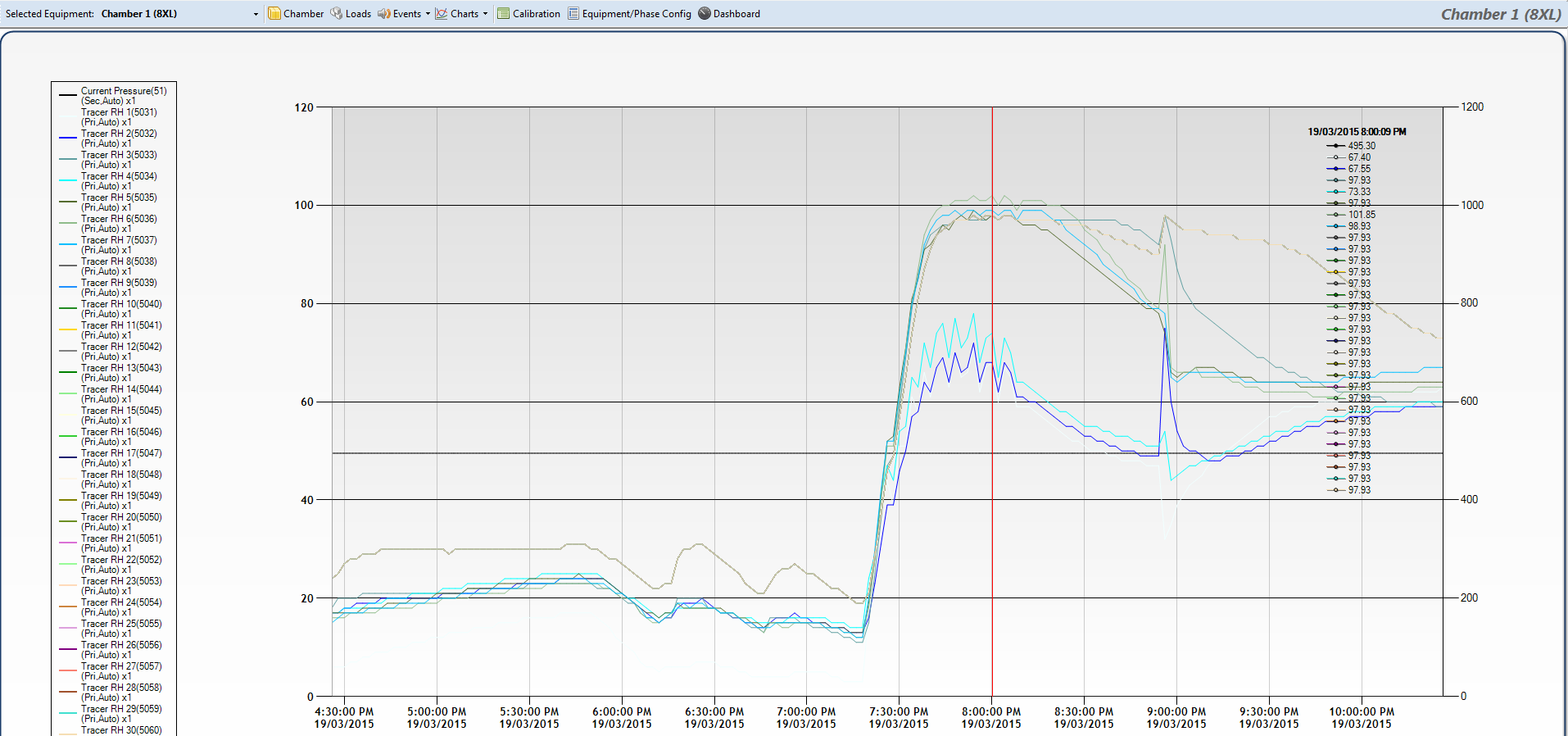
The imported data can be displayed on AccuSOLO charts.
To import data:
-
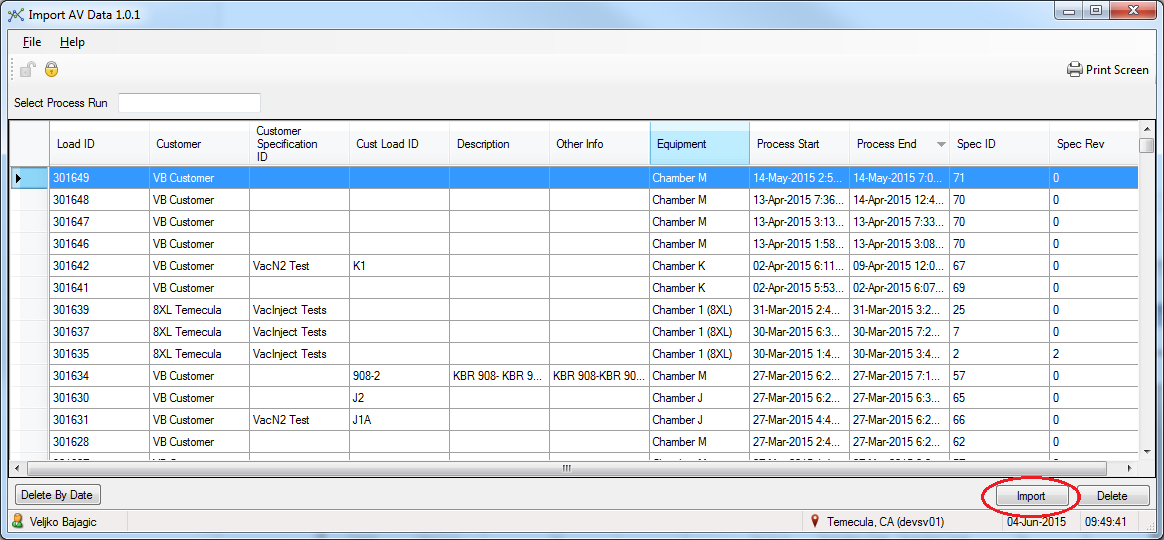
Log in to the application, select the Load ID row to which you wish to associate the import, and click the “Import” button.
-
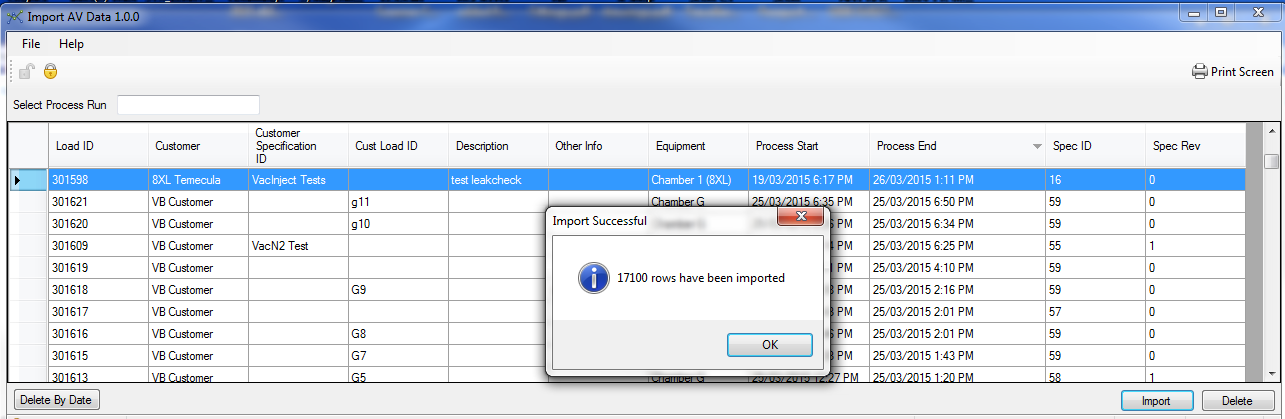
Select the CSV file and import it.
-
In the main AccuSOLO client, navigate to the charts and review the imported data.
Deleting Imported Data
If you imported data incorrectly, the application allows deleting of imported data by CSV file previously imported and by date and time range (i.e. From Date/Time – To Date/Time).
-
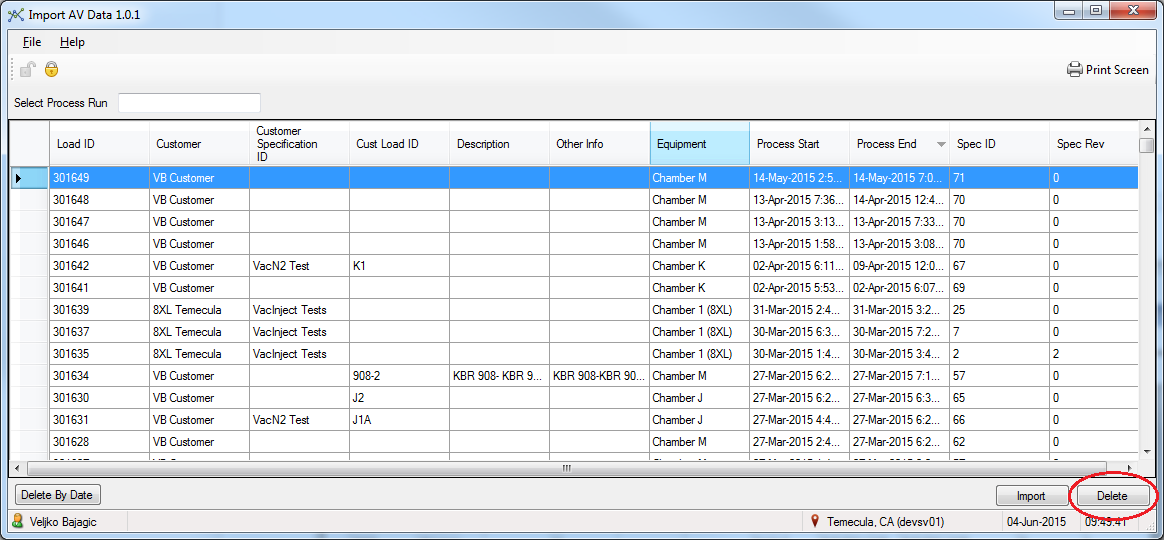
Select the Load ID row from which you want to delete data and click the “Delete” button.
-
Click OK when prompted to confirm.
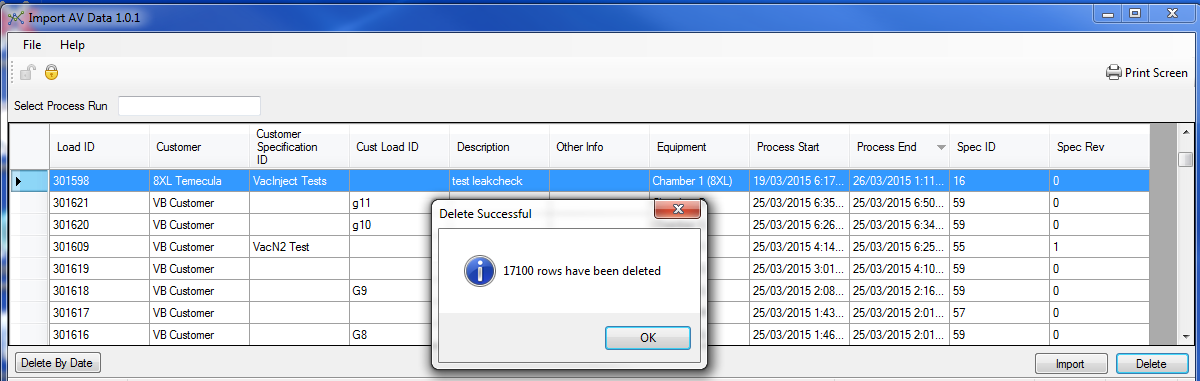
To delete by date and time range:
-
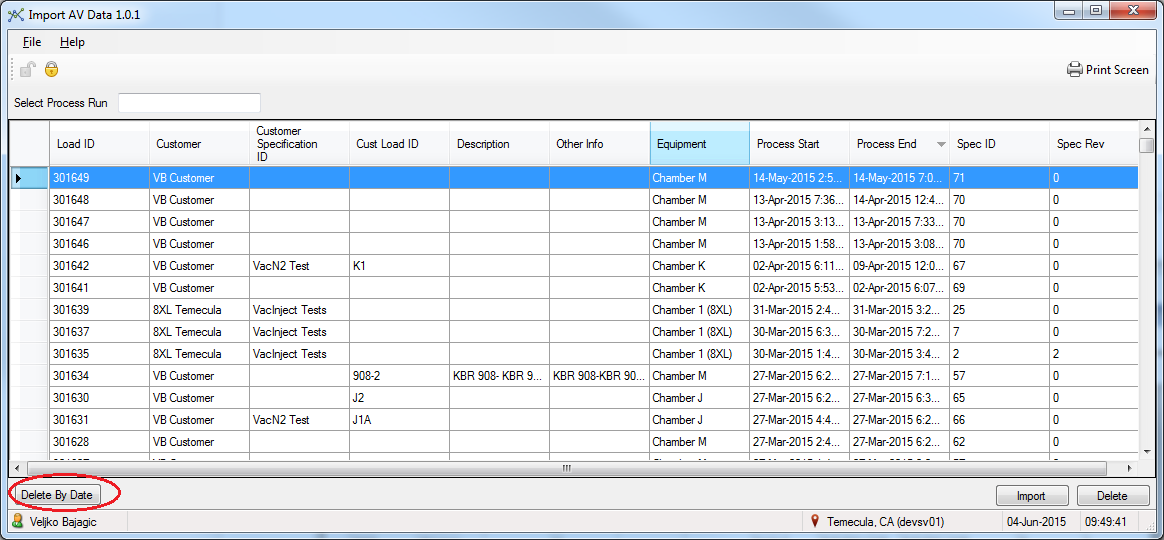
Click the Delete By Date button.
-
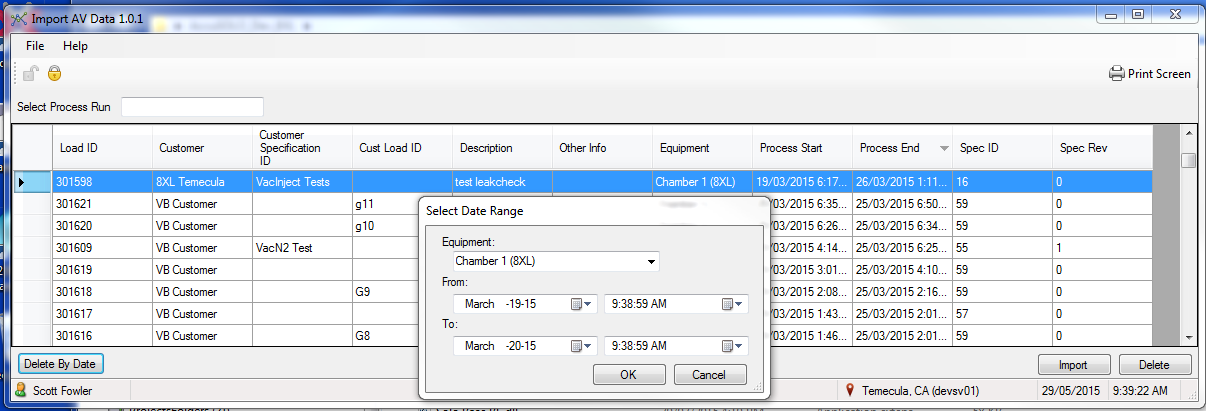
Select the date/time range.
-
Click OK and then Yes when prompted to confirm.
After deletion, the AccuSOLO chart will no longer show the previously imported data.